
A nostalgic moment…
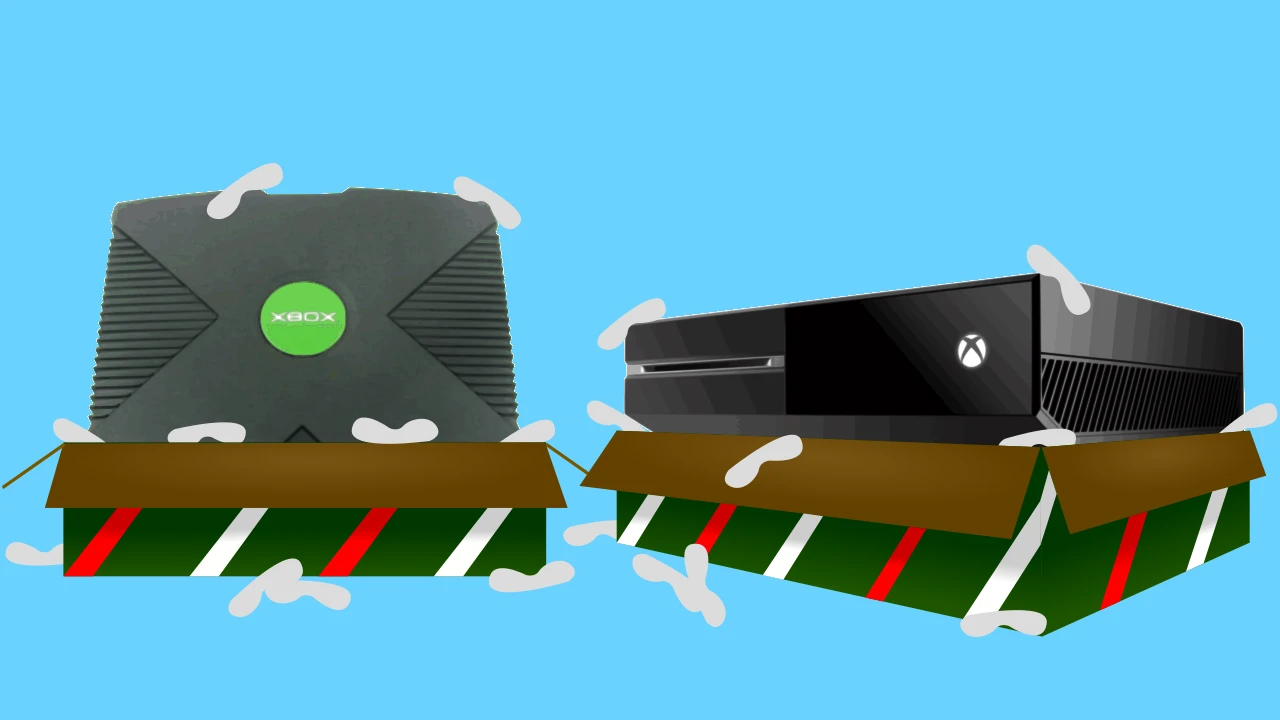 I unboxed my new Xbox One 1TB console last week and was unexpectedly caught up in waves of nostalgia stemming back from when I opened the original Xbox console in December of 2003. A lot has changed for Microsoft's gaming flagship since then; however its industry presence certainly hasn't. Back then I posted in a GameFAQs' forum that despite the perceived lack-luster entrance into the industry and the animus gamers felt toward Microsoft (and, by extension, Bungie for abandoning the Mac platform to begin work on Halo) this console would be around for generations to come. Let's face it: when you can throw a billion dollars behind a product line or service, failure becomes an exception rather than an expectation. So, here I am firing up their third generation console and recording the journey.
In my mind the only fair way to do this review is to compare the Xbox One with the Xbox 360 as far as new features go, and then see how it stacks up against the Play Station 4. Keep in mind that this isn't going to be a traditional comparison where I take an in-depth technical look at hardware and software specs - because you can find that kind of information on numerous other sites - and is going to be laced with my opinions. I'm going to breakdown the differences as I see them through the eyes of an Xbox One babe (but an Xbox 360 and PS4 veteran, so don't you go calling me a babe...).
From the Xbox 360 to the Xbox One
First off let's cover some of the new features to the Xbox One 1TB (OS version 10.0.10586.1024) over the Xbox 360 250GB (slim).
- Dimensions: 13.1″ x 10.8″ x 3.1″
(L x W x H, roughly 2.5" longer, .5" wider/deeper, and .2" higher thus it requires a bit more shelf space). Whatever happened to small form factor designs? Oh yeah, they tend to cause the consoles to overheat due to smaller heat sinks (think PS2/PS3 slim, Xbox 360 Arcade/Pro). Silly me. - Performance: Blu-Ray drive, 8GB DDR3 blah blah blah, 3 x USB 3.0 ports, internal 1TB HDD, internal 5GHz lots more boring technical stuff.
- Controllers: slightly lighter weight, flush battery compartment, programmable (both standard and elite controllers can receive software updates), built-in sensors for use with Kinect tracking (for those players who actually use the Kinect), more sensitive thumb sticks with improved grips, more precise triggers, stiff thumb buttons (L3/R3), noisy D-pad (loud clicks), unnaturally positioned shoulder buttons (RB/LB seem too high), no more trigger guards (following in Sony's footsteps), confusing menu/options buttons (what the heck does the double rectangles stand for? Picture taking? Apparently not. Copying something? Now that's just stupid. In-game maps? Maybe.), absent player indicator (no way to identify which controller belongs to which profile without looking at the dashboard, so for God's sake don't set your controller down next to a buddy's if you're in the middle of a match), and shorter hand grips (this is just inconsiderate to us mammoth-handed freaks).
- User Interface (UI): I've heard that the Xbox One's UI was modified a few updates back, but I have no idea what it was like then. So, why do I bring that point up if it really doesn't add anything to my blog? Because... well... I'm not entirely sure why. It sounded relevant in my head, but now not so much. Anyway, the UI is drastically different compared to the 360's. What was essentially tabbed browsing - where the content of each category page fit your screen succinctly (no scrolling necessary until you access certain sub categories) - has been replaced with longer pages that require scrolling just to see commonly accessed items like "My Games and Apps" and various pinned programs. But hey, at least it's still tabbed. On another note can you imagine if Microsoft had added a type of recent history widget to the home page that you couldn't disable even if you let your kids play on your profile? o_O
- Features: limited backwards compatibility with Xbox 360 titles (awesome feature, but just my luck most of my games aren't compatible yet though), live controller assignment (I am still in awe of the fact that up until a couple of years ago I had to reboot the system for something as simple as reassigning controller ownership), mappable buttons (nice addition for those playing with a motor function disability), all around faster speeds and less screen tearing/texture popping (remember The Last Remnant?), the ability to share short game play clips and screenshots, and the ability to watch Blu-Ray movies.
- [UPDATE 01]Improved crash handling. So I've been playing on the console for almost a month now and have witnessed more than a few crashes/freezes on games like Ori and the Blind Forest, Gears of War Ultimate, and Gems of War. Instead of having to reboot the console now I just press the guide button and close the app. This is a welcome improvement over the 360 (if only more app developers made better attempts at handling their crashes...).
Xbox One vs Play Station 4: let the slugfest begin
OK, the Xbox One has a load of new features over the 360 (not all of them good in my mind, but that's the case with any new platform). Now how does it stack up against the PS4 as far as being fun, useful, and convenient? Let's find out.
The Good
- Guest multiplayer gaming. Every multiplayer title I've played to date on the PS4, whether local or online, requires each controller to have a registered PSN account. Not the case with the Xbox One which I think is awesome... although now I have 3 extra e-mail addresses that I could use for account registrations if it came down to it, thank you very much Sony. Score 1 Xbox One for being good to my guests.
- Access game hub from dashboard. This is a convenient feature that allows me to access a game's storefront page right from my Xbox One dashboard. I can't tell you how many times I've searched for a title's official description and trailer for a game in my library or disc tray only to discover that I have to manually search for it via the Store app. In fact the Overview section of a selected game on my PS4 home screen usually just shows game clips/screenshots taken from other players, if anything shows up at all. I have found this to be about as useful as a poop flavored lollipop. Score 2 Xbox One for providing quick access to features I use.
- Controller battery life. Using an Energizer rechargeable pack I've found that the Xbox One controller has roughly 2x the lifespan of a PS4 controller, both fully charged. Using non rechargeable batteries yields roughly the same result (perhaps slightly better if using high capacity AA batteries). The fact that I had to buy replacement batteries, or a recharge pack in the first place though offsets the benefit of having them (which is why I didn't list it as a separate bullet point). Score 3 Xbox One for having more energy efficient controllers.
- Limited Backwards Compatibility. This is huge to me. Like many gamers I currently have all three Xbox consoles sitting next to each other because I can't play original Xbox titles on the 360, and can't play 360 titles on the One (until recently). So long as they keep updating the compatibility list and eventually emulate the 360's store, so I can purchase DLC for those titles through the Xbox One I won't need to leave that console out anymore. Still waiting on backwards compatibility for the original Xbox titles though, or for any back-compat from Sony. Score 4 Xbox One for finally making things easier on gamers by reducing the amount of consoles we have to keep on our shelves.
- HDMI passthrough: you can run your cable/satellite box through your Xbox One console thereby eliminating the need for an HDMI splitter/switch, or extra port on your TV since two devices can run through its HDMI out port. Score 5 Xbox One for realizing that the average TV only has 3 HDMI inputs while most modern devices (Blu-ray player, PS4, PS3, Xbox 360, Wii U, etc.) all use them, and addressing this issue in your design.
The Bad
- Second-rate and cumbersome content sharing. There is no native editing program for captured video clips (you have to download Upload Studio just to to trim a clip). Recorded clips can't exceed 5 minutes (vs 15 minutes on the PS4). There doesn't appear to be any way to start a recording session, only to record what has already happened. The method for capturing a video/screenshot is cumbersome: double tap the guide button thus leaving the game for a moment and press the corresponding capture button of X, or Y (vs just pressing the share button the correct way on the PS4 controller; the correct way can be changed to suit your preference as I have it set to tap once for capturing a screenshot, double tap to start recording a clip). There also isn't any official support for a share-play type of feature like the PS4 has where one player can share his screen with a friend (let him watch), hand the controller over (let him play), or even simultaneously play a co-op session without them both needing the game disc (for an hour at a time). Score -1 Xbox One for making content sharing more complicated than necessary.
- Scaled-back performance. I was surprised to find out that unlike the last gen where the Xbox 360 seemed to produce better looking games vs the PS3 on larger displays (like on my 55" Vizio LED LCD) despite both consoles having comparable hardware specs, this doesn't seem to be the case this time around. I am dumbfounded as to the reasoning on Microsoft's part for this decision since the Xbox 360 was praised by many (myself included) for having better utilized the power of its GPU (taking into account the 1080p resolution up-scaling); now, however, despite once again sharing similar CPU and GPU specs with its competitor, cross-platform games just don't seem to look as good on the Xbox One (at least not on large displays). Score -2 Xbox One for being a nerfed system.
- Mandatory cloud syncing. This is a pet peeve of mine courtesy of Microsoft that has now followed me from Windows 8 & 10 to my game console. I know a lot of gamers are sold on this whole cloud computing/gaming trend, but I am not one of them. Giving us the option to sync a game save or other media to an online server, so we can access it from another location/on another device is a nifty feature; requiring us to use it is annoying as hell. While the cloud syncing process at the start of every game is relatively short (lasting for me on average of ~4 seconds) it adds to the bloated system boot times as well as the extra drive space to house the feature. Score -3 Xbox One for cramming yet more fluff down this gamer's throat.
- Lost controller features. At first I confess that this one slipped right by me until I started my first local co-op match with my brother. There isn't a single way to identify which controller belongs to which profile after setting them down without looking at the dashboard, or resuming the game and figuring it out the hard way - unless of course you bought different colored controllers (you did, right?). Why Microsoft decided to remove the little semi-circle LED indicators present on the 360's controllers without putting on a replacement of some kind is beyond me. While it's not great at least the PS4 controllers have colored optics on one end that players can use to differentiate between them during multiplayer sessions. Score -4 Xbox One for getting rid of an actually useful feature.
- Limited power scheme options. What does the Xbox One have? Two modes: Energy-saving and Instant-on. There is no middle ground, no customization. You either have to have your system set up to take upwards of a minute sometimes to cold boot and then download/install updates during your session, or have it proceed with installing updates without prompting you at all (while it's sleeping) and occasionally wake up when it hears you mumble a couple of words in passing. Conversely the PS4 even let's you decide how many hours you want the USB ports to remain active before conserving power. Score -5 Xbox One for forcing upon us what you think we should be satisfied with instead of giving us the options, and then allowing us to decide which features we want to use.
- [UPDATE 01]Lack of app versions and manual updating options. This is another pet peeve of mine because there doesn't seem to be a way of checking which version app I'm using, or forcing a manual update if for some reason said app didn't update automatically. For example if I want to see which version of Fallout 4 I'm running (so I know if it's updated) I simply cannot tell from the Xbox One operating system; in contrast I can tell at a glance on the PS4 system by checking Settings > System Storage Management > Applications > Fallout 4. In similar fashion there isn't a way to check for updates for an app manually; on the PS4 I can just select the app, click the options button, and select "check for update." Score -6 Xbox One for hiding even basic app information from me and relying on automation too heavily.
The Fugly
- Cheaply constructed controllers. I bought the 1TB unit with two controllers and am happy to report that something broke off inside one of them during my very first gaming session! And by "happy" I mean not at all surprised. Just the button mashing and rumbling from playing Gears of War Ultimate, then Ori and the Blind Forest caused something to dislodge and rattle around inside. The second controller has a loose screw cover on the right side making for a loud plastic vibrating sound every time I chainsaw a locust (or anything else that causes massive rumbling). This is sadly right on par with my experience using the five Xbox 360 controllers that I bought over the years (the buttons simply stopped working on one of them within the first year while the remaining 4 all began auto-walking/drifting due to cheaply constructed rockers). And before you say "well that's user error - you probably dropped them, or let kids handle them with dirty hands, or maybe you just got a batch of lemons" let me reply by saying you are in denial. It's a defect with these controllers as there are plenty of others who've reported problems from day one with their shoddy craftsmanship on various forums. Score -7 Xbox One, and may God have mercy on your soul.
- Massive storage reservation. After installing the system updates, but before installing any extra software I had ~765GB out of 1TB remaining. That's almost 1/4 of my new solid state hybrid drive already reserved for the Xbox One's OS. That's also roughly 100GB more space required than on the . If anyone reading this post believes that this was a necessary move on behalf of Microsoft, please humor me as to why you feel that way in a comment below. Score -8 Xbox One for being a storage parasite.
My verdict on the Xbox One
Well, if you tally the score then the Xbox One sits there on my entertainment shelf staring indifferently at me having earned a -3. There are just too many points against it to win the bout against the PS4 at this time. The Xbox 360 was hands down my favorite console of the last generation, but sadly I feel Microsoft's knack for trying to trend set is all over this version of their console. Some features work, others don't. Trying to ditch features that work, or force features/services upon me that I don't want because it fits into Microsoft's contemporary vision for its console detracts from the overall experience. I can definitely see the remnants of the same thinking that caused Microsoft to try and make this console always connected to the Internet, or that caused it to kick around the idea of charging players a fee for playing pre-owned/rented games (didn't know that was actually considered? Google it). I hold out hope that eventually Microsoft will update the Xbox One's UI to address some of the negative points I've covered, or at least improve upon them in the next iteration of their console line. For now, however, I find myself gravitating toward the PS4 over the Xbox One for most non-exclusive titles.
These are just my opinions though, nothing more. Feel free to share your own in the comments section below.
These are just my opinions though, nothing more. Feel free to share your own in the comments section below.

"Jay has been a freelance IT specialist for 20 years with a focus on user support and troubleshooting for PCs, laptops, and mobile devices running Windows and Android operating systems. I also- uh, Jay also has a BS in-" crap, I broke third person narrative. Screw it. I graduated with my BS in Software Engineering in 2011 and have been gaming since I was 4. I'm also handsome and awesome.
